
Target flow: customers book themselves
Open slots are visible on a shared page; bookings can be made outside working hours and phone traffic drops.
We use Google Analytics and Microsoft Clarity only with your explicit consent to measure site usage and improve the experience. Declining does not affect the site or signup. Privacy policy
When booking depends on a phone line and one person, a business's opening hours shrink to its reception hours. This page covers where the booking flow breaks down and how to move to an arrangement where customers book themselves, in the WApps business management ecosystem.

Definition
An online appointment system is web-based software where customers see open slots and book themselves without calling. Availability is calculated from service duration, staff working hours and existing bookings. The moment a booking is made it lands on the calendar and a confirmation or reminder goes out. Its purpose is not to digitise the appointment book but to take booking off one person's shoulders.
Problem and approach
Bookings arrive by phone, over WhatsApp and at the door, and they never reach the same book at the same time. Two records land on the same slot, and once staff change, who is free when survives only in one person's memory. Requests that come in after hours wait until morning, and some never come back. Because no-shows are not recorded as such, the real cost of empty slots stays invisible.
Interactive demo
Pick a service, tap one of the open slots, and create the booking.
Open slots are calculated from service duration, buffers and working hours.
Struck-through slots are taken — no double booking.
How it works
Enter each service’s duration, price and buffer, then set working hours per staff member or room.
Share the page for your business so customers can see open slots and book themselves.
What you get
Open slots are visible on a shared page; bookings can be made outside working hours and phone traffic drops.
Service duration, buffers and working hours are defined, so a conflicting slot is never offered in the first place.
Flow between apps
A record created in one app carries over to the related apps on its own, so you never enter the same data twice.
WhatsApp reminder sent
Booking to payment
Implementation notes
Service and duration definitions, staff/resource availability, a customer self-service booking page and booking states are built into WReservation.
Four numbers are enough here: utilisation (booked hours / open hours), no-show rate, the share of bookings made through self-service, and average duration per service. All four fall out of the booking record itself and need no separate work.
Try it with your figures: if you open S hours a day and B of them are booked, utilisation is B/S. With a no-show rate of N, the hours actually lost are B×N; multiplying that by the service price turns the value of a reminder message into a number. What matters is not the estimate but that no-shows are marked as their own state.
Continue exploring
Next step
When booking depends on a phone line and one person, a business's opening hours shrink to its reception hours. This page covers where the booking flow breaks down and how to move to an arrangement where customers book themselves, in the WApps business management ecosystem.
Approve the booking or let it confirm instantly, then follow completed, cancelled and no-show records.
Product video · 2:28
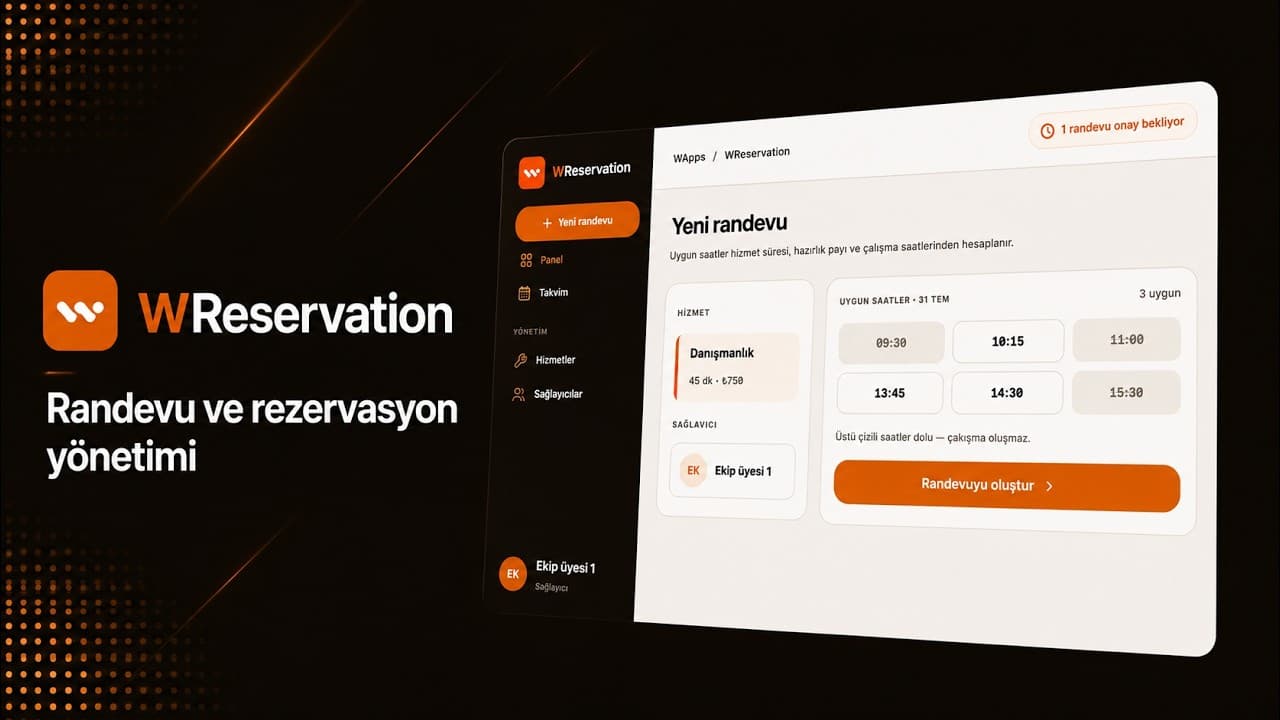 Smart appointment and booking management: WReservation2:28
Availability is set per person or per room, preventing two staff members from booking the same room.
Completed, cancelled and no-show bookings are kept as distinct states, making lost capacity measurable.
This flow is built with WReservation, and the order matters: define services with duration and price first, then staff or room availability and working hours, and share the booking page last. Decide up front whether bookings confirm instantly or wait for approval — approval cuts phone traffic but makes the flow depend on your response time.