
Every piece of work has an owner and a state
Tickets and tasks land in one queue, get assigned to a team member and move through states you define yourself — you name, order and colour them. Nothing goes unowned.
We use Google Analytics and Microsoft Clarity only with your explicit consent to measure site usage and improve the experience. Declining does not affect the site or signup. Privacy policy
WTask is the team work management module of the WApps business management ecosystem. Tickets, tasks and the daily board live in one place, so who owns a piece of work, what stage it is at and how long it took are all visible on one screen. Add WSupport when you want to give your own customers a portal that feeds straight into this flow.
Definition
WTask is a web-based work management tool that brings team tasks and tickets into one panel. Tasks, tickets and the daily board live together, so an item's owner, its stage and how long it has taken are visible on one screen. It is part of the WApps suite and pairs with WSupport when you want to give customers their own request portal.
Problem and approach
WTask owns making a team's work visible: opening tickets and tasks, assigning them, moving them through states you define, breaking them into subtasks, logging time spent, tracking them on a daily board and putting repeating work on a schedule. What it does not do is equally clear: it does not give customers a portal (that is WSupport), build proposals (WProposal), issue invoices (WFinance) or manage leave and shifts. When customers need to see the request themselves, you run WTask together with WSupport.
Interactive demo
Open the “Payment page will not open” ticket and mark it as resolved.
15-second product tour
Collect your team’s work in one shared queue, see status, priority, customer and owner, then move it through resolution from the panel.
Manage and track tickets
How it works
Add the incoming request or new task to a queue the whole team can see.
Keep status, priority, brand and assignee current on the record.
Mark completed work and keep open workload and time spent current.
Product video · 2:08
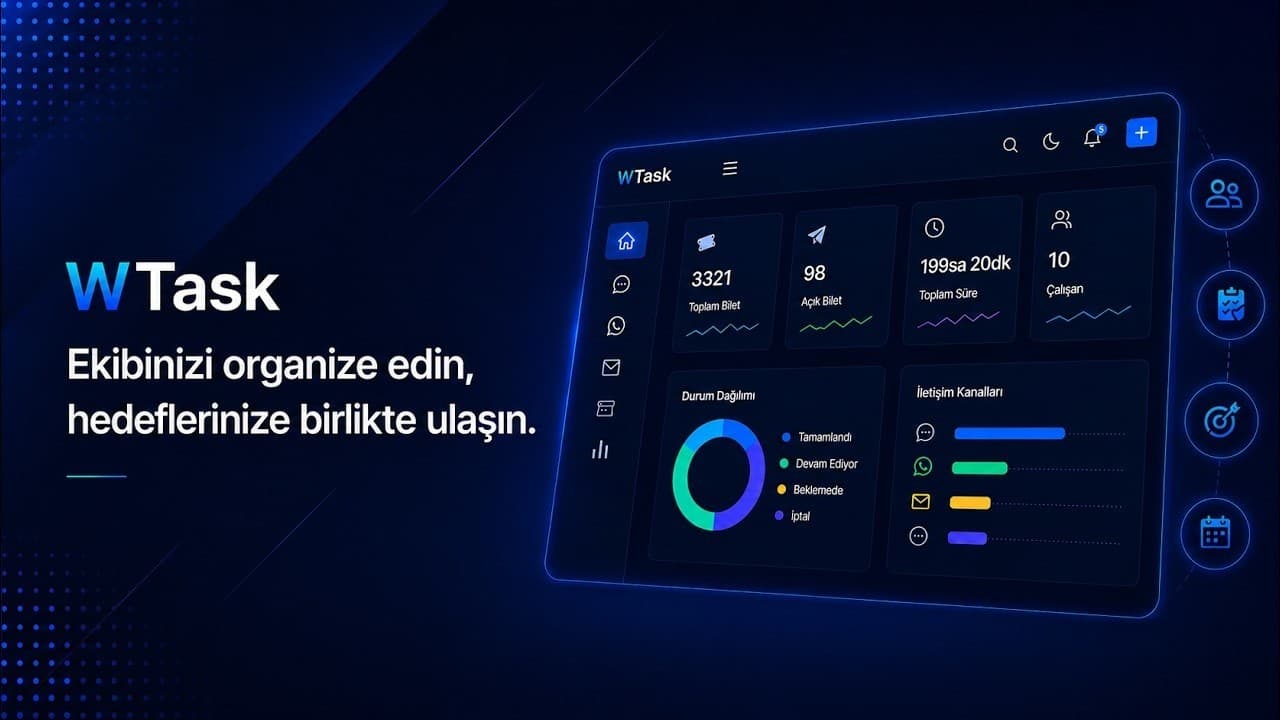 A new approach to team management: WTask2:08
What you get
Tickets and tasks land in one queue, get assigned to a team member and move through states you define yourself — you name, order and colour them. Nothing goes unowned.
The team starts the day with a shared board showing who is finishing what. The status meeting is replaced by looking at the board.
Each ticket takes time entries recording how long it took, who worked on it and on which date. The hours allocated to a customer each month become comparable against the hours actually spent.
A ticket breaks into subtasks that are ticked off one by one, so how much is done is a number rather than an estimate.
Define a recurrence for periodic maintenance and routine jobs; the ticket opens automatically when due, gets assigned and links to a service plan template. Nobody has to remember the calendar.
Tickets carry a due date and send a reminder as it approaches. Overdue work is reported by priority.
Requests from WhatsApp and email land in the team's queue — even a message from a WhatsApp group can be turned into a ticket instead of waiting elsewhere.
Connect WTask to your own AI assistant to list, read and ask about tickets, reaching your team's data without opening another screen.
Flow between apps
A record created in one app carries over to the related apps on its own, so you never enter the same data twice.
Request became a task · Assignee: Barış K.
Support request to resolution
#1042 resolved, customer notified
Support request to resolution
5 draft tasks created
Meeting to tasks
Goal progress updated
Meeting to tasks
Implementation notes
Work is opened as tickets and tasks inside the product, then assigned, prioritised and tracked on the daily board, whose previous days are retained.
You define ticket statuses yourself: name, colour, order and which stage group (open, in progress, completed) each belongs to.
Time entries are added to each ticket, storing duration, description, date and user together. Monthly allocated hours are held on the customer record.
Frequently repeated work is defined as a template; a weekly or monthly recurrence produces tickets automatically and keeps the next run time.
A WhatsApp connection is built in; direct messages and messages from configured groups can be converted into tickets, with the source message kept on the ticket.
Records are grouped under a brand or customer; monthly hour quota, billing day and service plan fields are defined inside the product.
Team members receive in-app and browser notifications, delivered through their registered devices.
Every status change is recorded, and the activity log shows who did what and when.
Can't find your answer? Let's go through it together in an intro call.
WTask is the panel your team works in and is billed per user. WSupport is the panel your customers log into and is billed only per customer portal you open. WTask works perfectly well on its own.
Everyone you add to WTask is a user. If you want your customers to follow their own requests, you open a WSupport portal for them instead of adding them as users.
Messages from WhatsApp, email and web forms collect in a single inbox, and your team turns them into tickets or tasks from the panel.
Yes, every WApps account starts with a 30-day free trial and no credit card is required during the trial.
Continue exploring
Next step
WTask is the team work management module of the WApps business management ecosystem. Tickets, tasks and the daily board live in one place, so who owns a piece of work, what stage it is at and how long it took are all visible on one screen. Add WSupport when you want to give your own customers a portal that feeds straight into this flow.